 Rafiq
Rafiq
Gets the work done, on your machine.
Connect the model you already use and give it real tools: files, shell, web, browser. Arabic-first, and every sensitive step waits for you.
Works with the model you already have, from twenty-one providers


Three steps, then it works on its own
No account, no subscription. Your key, your machine, your folder.
Built to do the work, not just answer
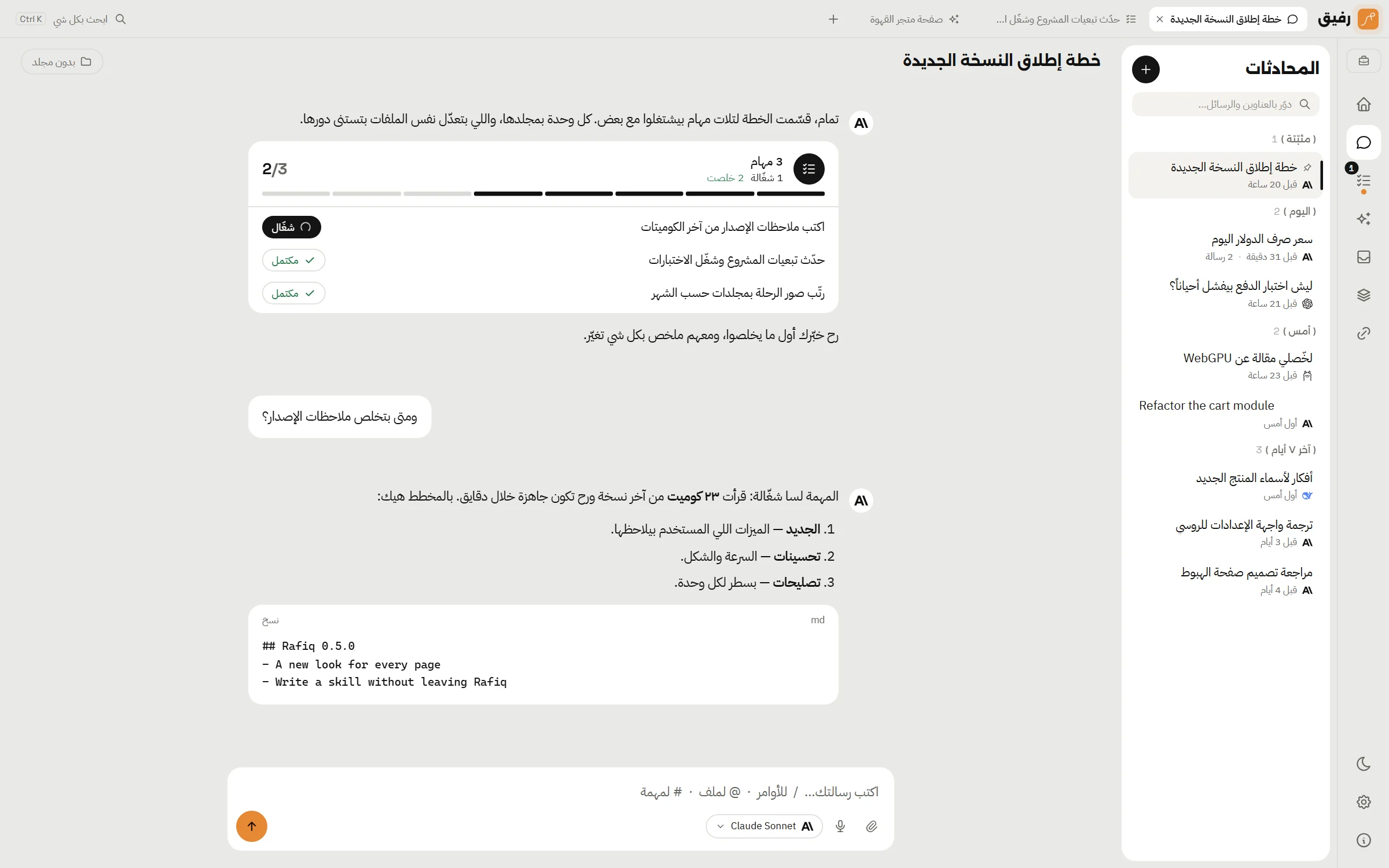
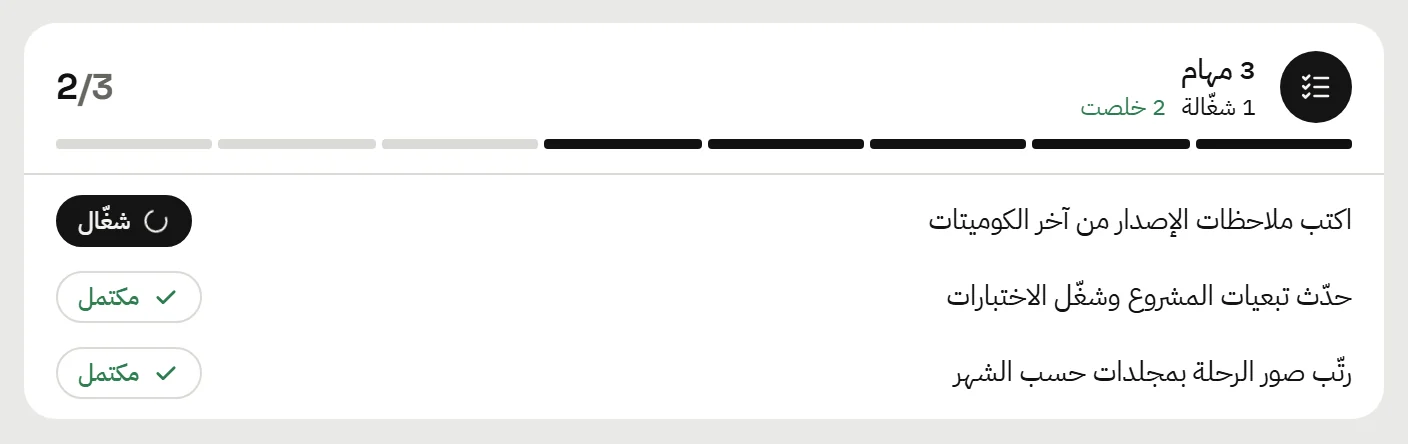
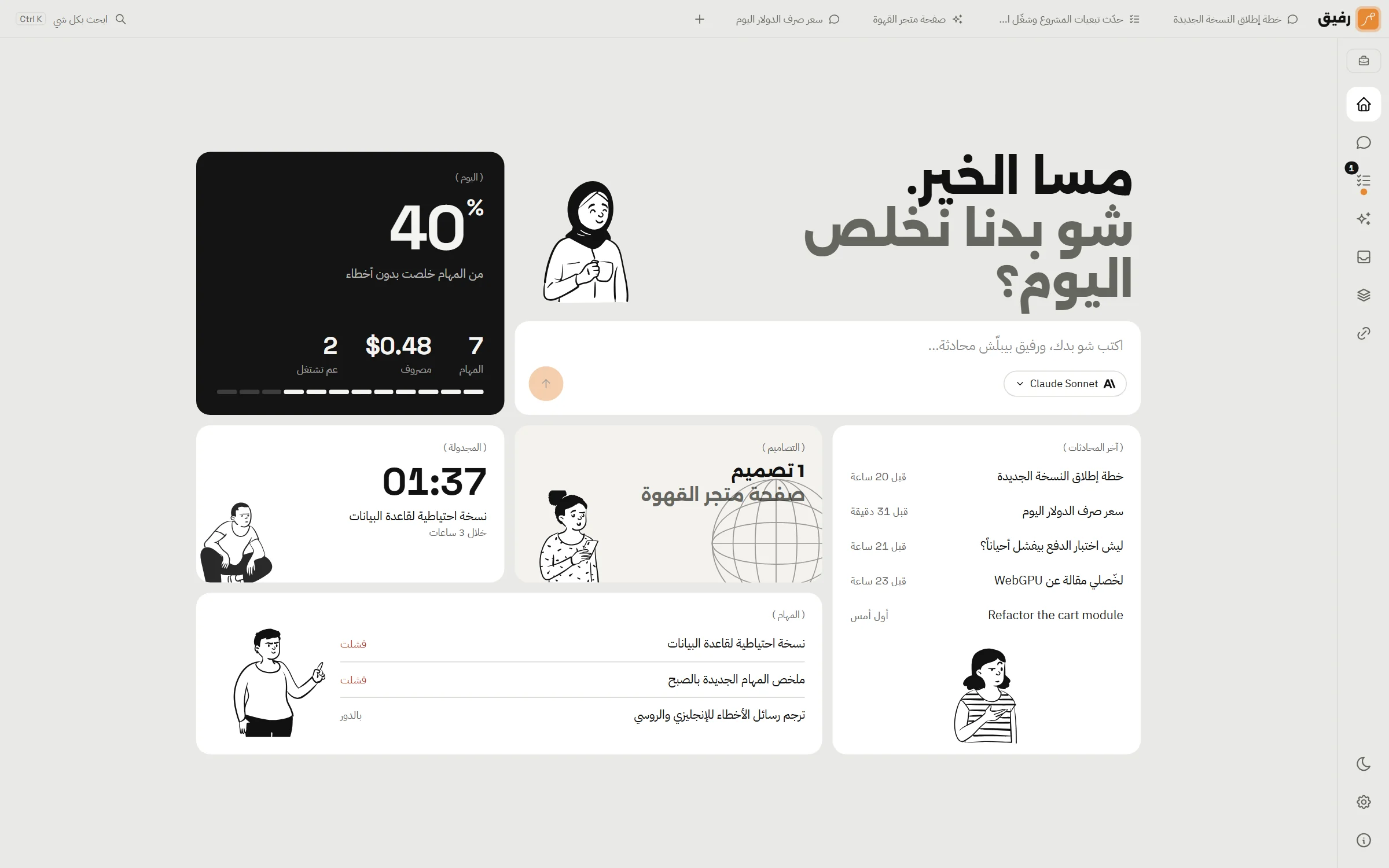
Tasks in parallel
Up to 100 at once. Tasks that touch the same files take turns, tasks that depend on others wait. The reply keeps going even if you leave the page.
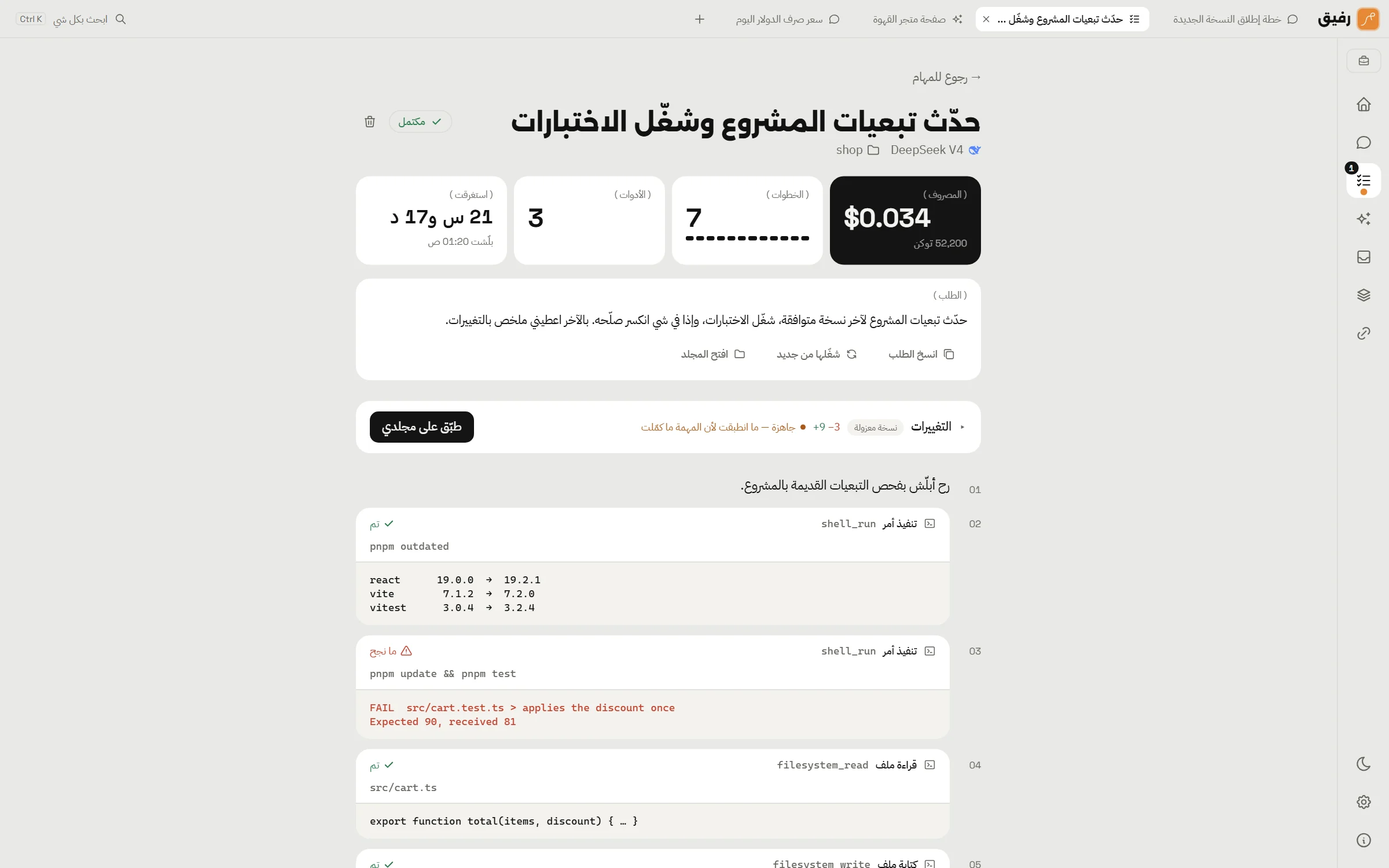
A git worktree per task
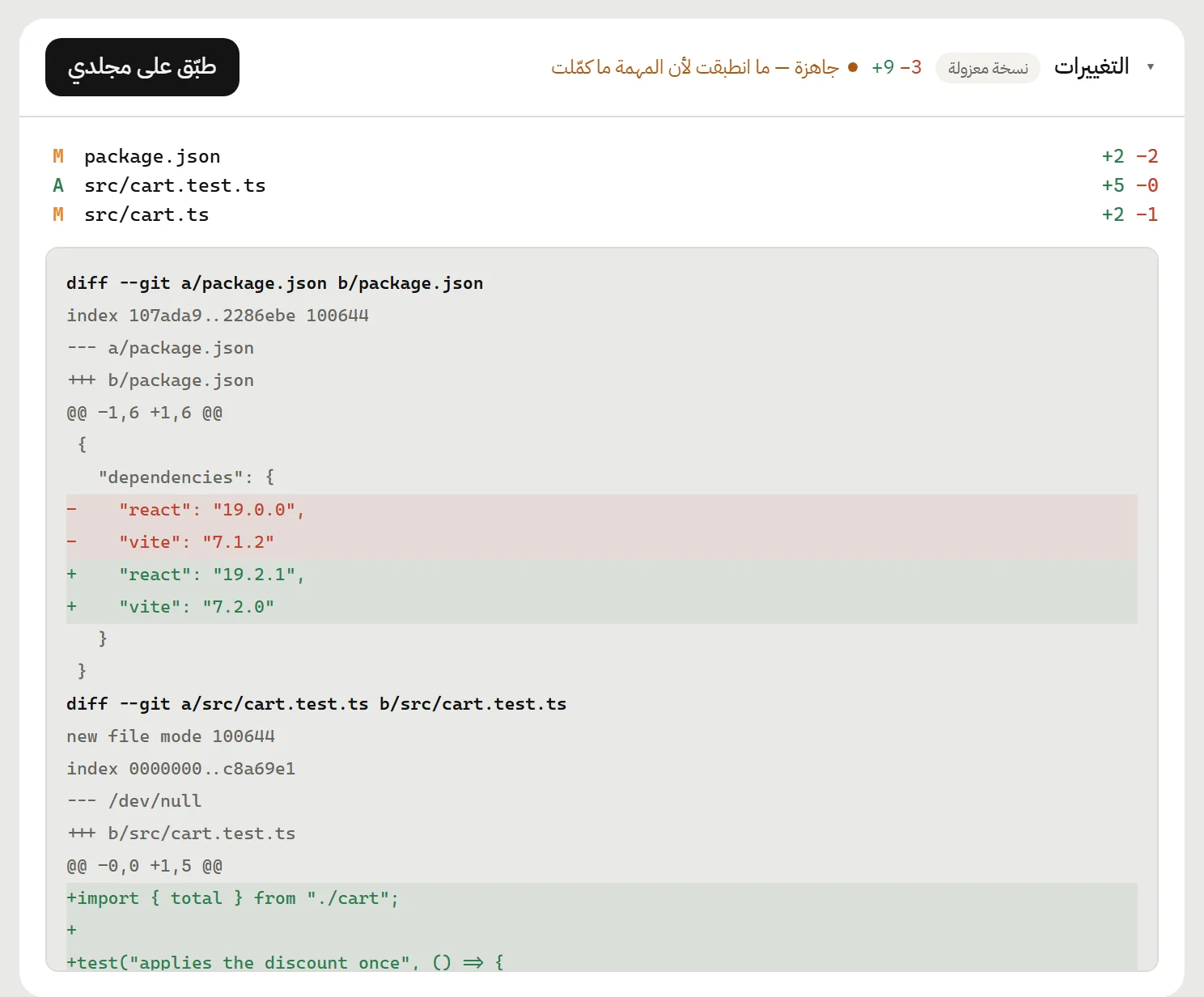
On any git project, each task works in an isolated copy. Changes are listed as files and a diff, and one click reverts them.
Design with a live preview
Answer a few questions and let the model design with bundled design skills. The preview sits beside the chat at phone, tablet and desktop widths, and one click hands it off to be built.
Cost in view, limits in your hands
Every call is counted in tokens and dollars per model. Set a daily or monthly limit and Rafiq stops before the invoice surprises you.

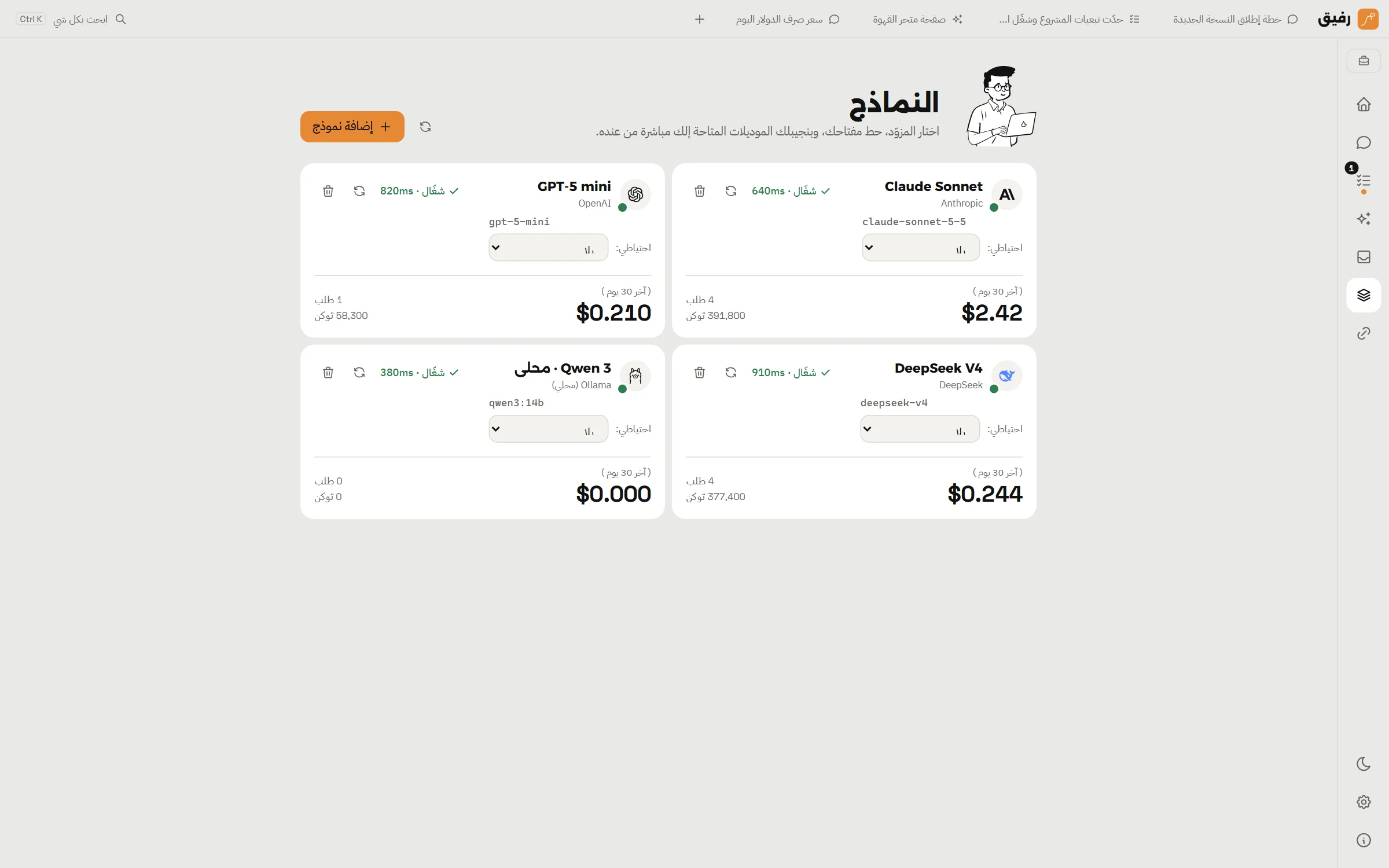
Twenty-one providers, local models too
From Anthropic and OpenAI to Bedrock, Vertex and Ollama. A fallback model for each, and request limits so you never hit a rate-limit wall.
Keeps working in the background
Close the window and it carries on next to the clock. A notification when a task finishes or needs you, and scheduled tasks daily or every few hours.
- Starts with Windows if you like
- Templates for the tasks you repeat
- Updates itself from inside the app
Any model, and your keys stay yours
Cloud or local: Claude, GPT, Gemini and DeepSeek, or Ollama and LM Studio on your machine. Keys live in the Windows keyring, never in a database.
Skills you write, tasks that run on their own
Write your own instructions for the model inside the app, checked as you type. Let a task run every morning without opening anything.
On your machine, with your approval
Keys in the Windows vault
API keys and tokens live in Windows Credential Manager only. They never enter the database, the logs, or the app's interface.
Every sensitive step asks
Writing a file, running a command, browsing, controlling the desktop, calling an MCP tool: each has its own policy. Ask, allow, or deny.
No Rafiq cloud
Your chats, tasks and designs are in a local database. Requests go straight to the provider you chose, and to nobody else.
Ready? Half a minute and it's yours.
One installer, no account. Then add a model key and start.